Grok Image
Grok Imagine Image 2.0 · in your browser
A Grok AI image generator with no X or Grok account needed: sign in with Google, try it with free credits, then pay per image. Two sizes, 13 aspect ratios and edits with up to 3 photos.
Grok Image runs xAI's Grok Imagine Image 2.0, the model behind Quality Mode on grok.com. Describe a poster, a portrait or a product shot, or upload up to 3 photos and say what should change. Every image on this page was made with this Grok AI image generator.
Model facts · Updated November 17, 2026
Grok makes images with xAI's own model, Grok Imagine Image 2.0. It became Quality Mode on grok.com/imagine and in the Grok apps on August 7, 2026, and xAI says it follows instructions closely, lays out typography like a designer and keeps small text sharp. This Grok image generator runs the same model through xAI's API.
From xAI's August 7, 2026 announcement and xAI's API pricing page. The last row is this site, measured on November 17, 2026.
| Official name | Grok Imagine Image 2.0 (Imagine Image 2.0), by xAI |
|---|---|
| Released | August 7, 2026, as Quality Mode on grok.com/imagine and in the Grok iOS and Android apps |
| API model ID | grok-imagine-image-2.0 |
| What it does | Text to image and prompt-guided edits, with sharp small text, designer-style layouts and subjects that stay consistent across edits |
| Ranking | Second in text-to-image and in image editing on Arena at launch (xAI, August 7, 2026) |
| Output | 1K or 2K, Low or Medium quality |
| xAI API price | From $0.04 per 1K image at Low quality |
| Free option | Grok's own apps, within the limits of your Grok plan |
| On this site | 10 credits per 1K Low image, 13 aspect ratios, up to 3 reference photos per edit, JPEG downloads; about 20 to 90 seconds per image in our tests |
Three ways to use the same Grok image generator. Pick the one that fits how you work.
Grok Imagine Image 2.0 · in your browser
A Grok AI image generator with no X or Grok account needed: sign in with Google, try it with free credits, then pay per image. Two sizes, 13 aspect ratios and edits with up to 3 photos.
Quality Mode · web, iOS and Android
xAI's own app, with extra tools such as the magic wand, background removal and edits with up to 5 images. Image limits depend on your Grok plan, and it also makes videos.
grok-imagine-image-2.0
Call the model from your own code, billed per image by xAI (from $0.04 at 1K Low). You need an xAI developer account and an API key.
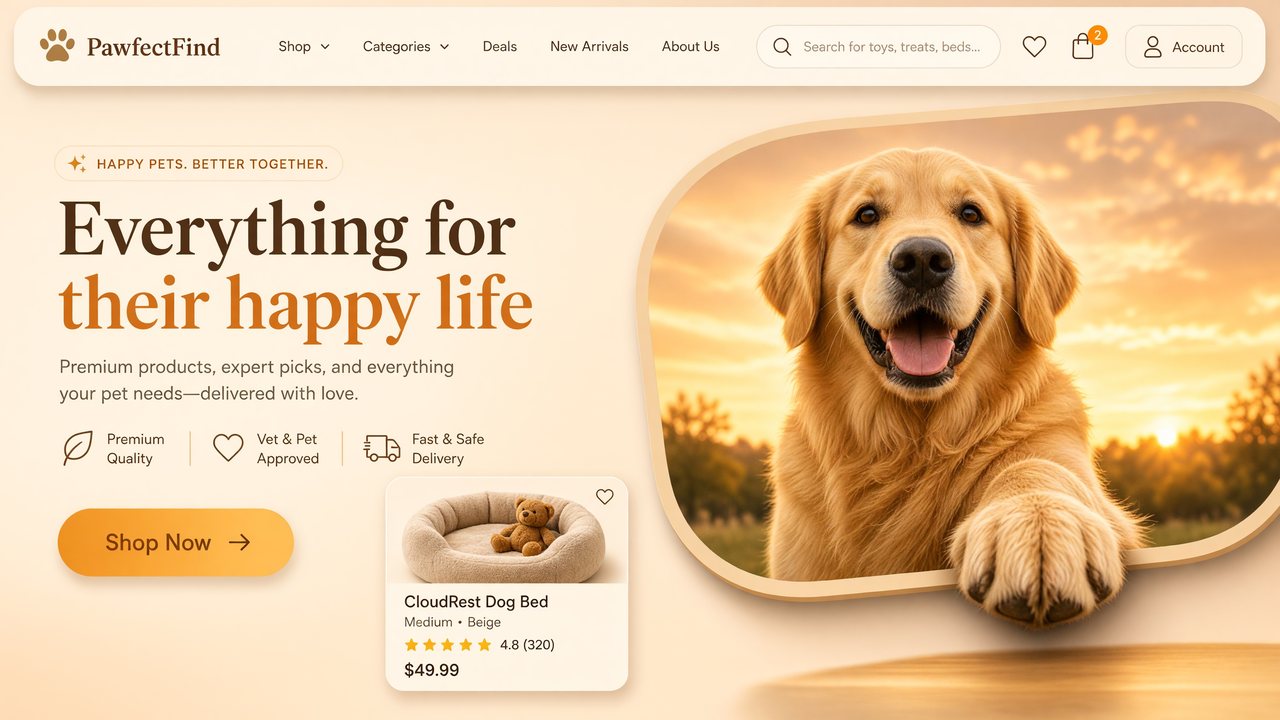
Every image here was made on this site with Grok Imagine Image 2.0. Tap one to load its prompt into the Grok image generator, then make it your own.
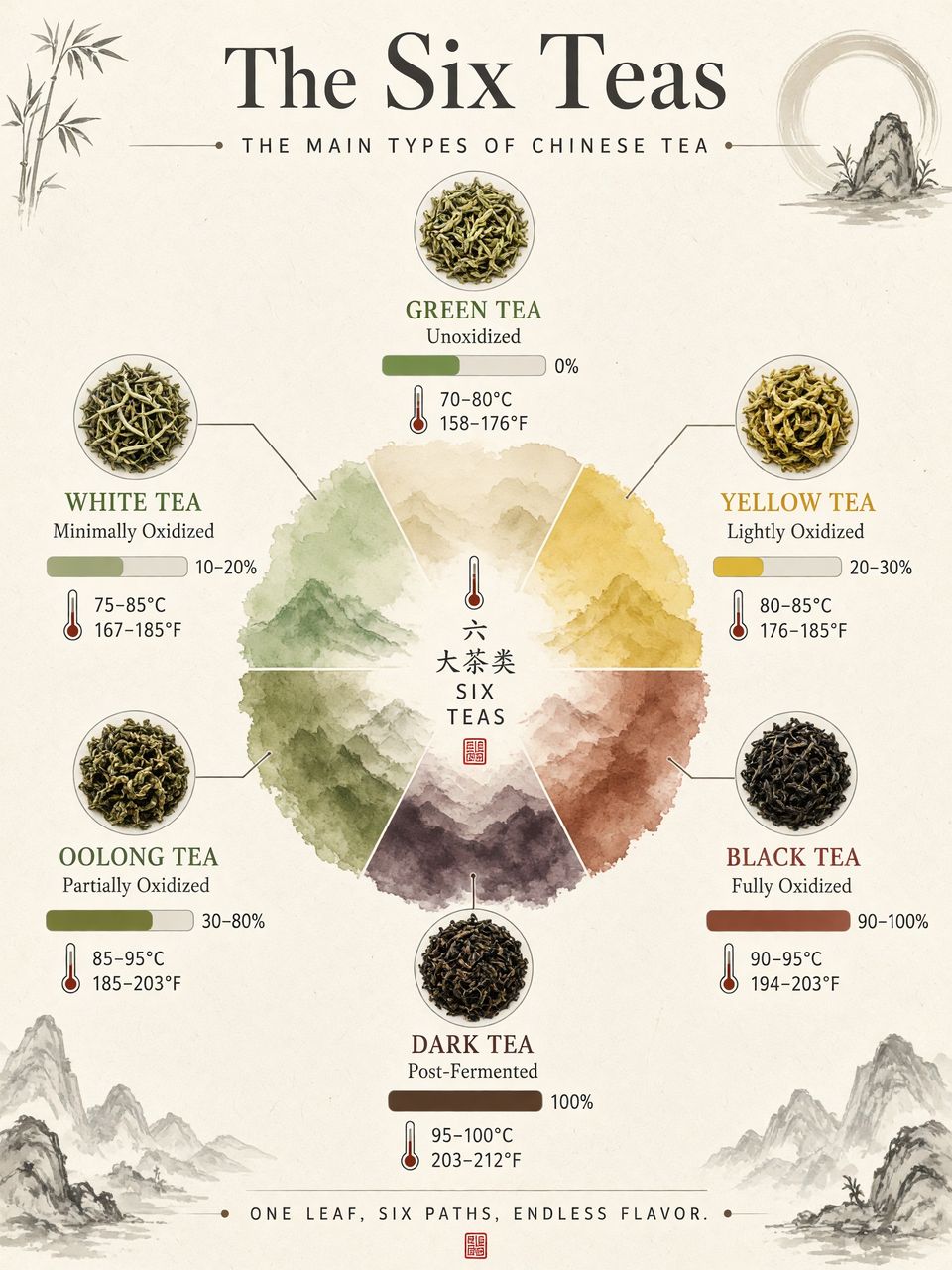
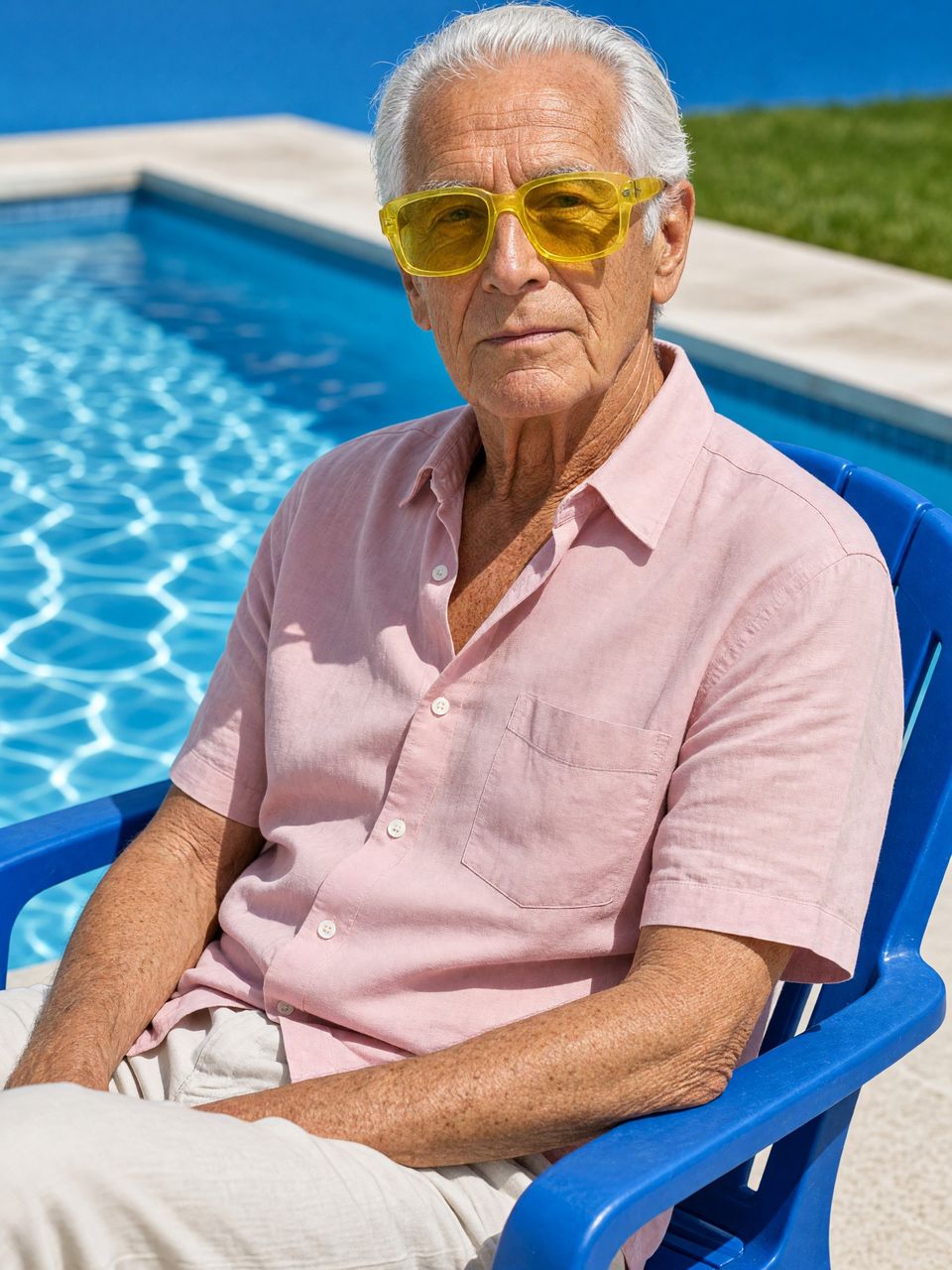
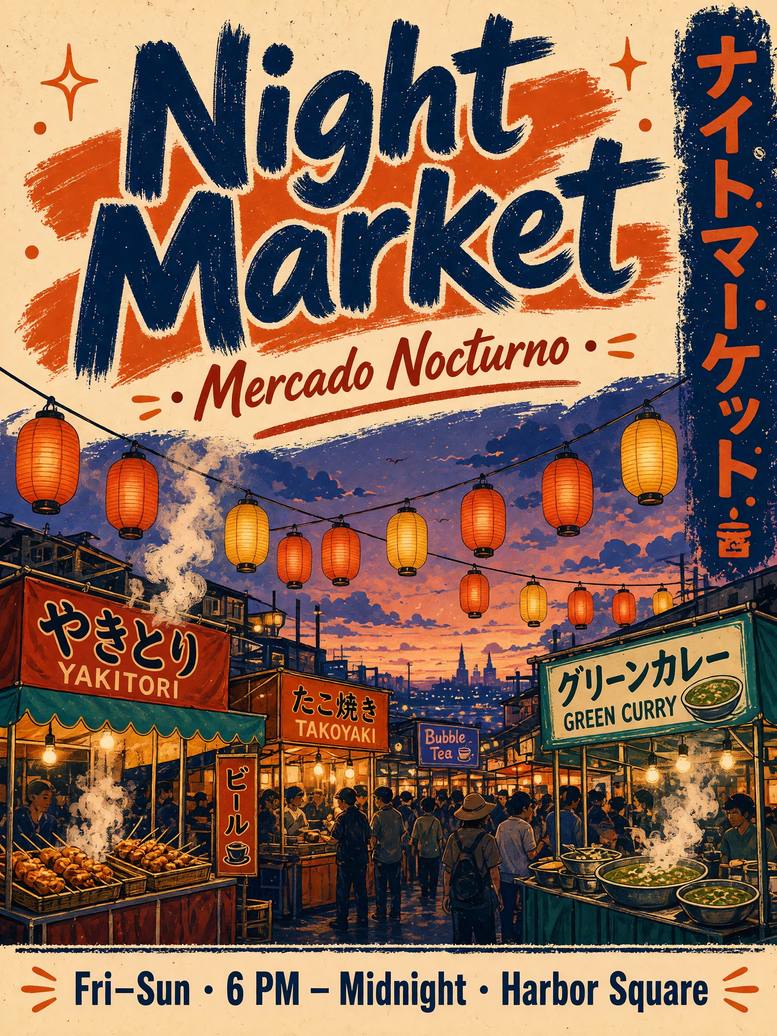
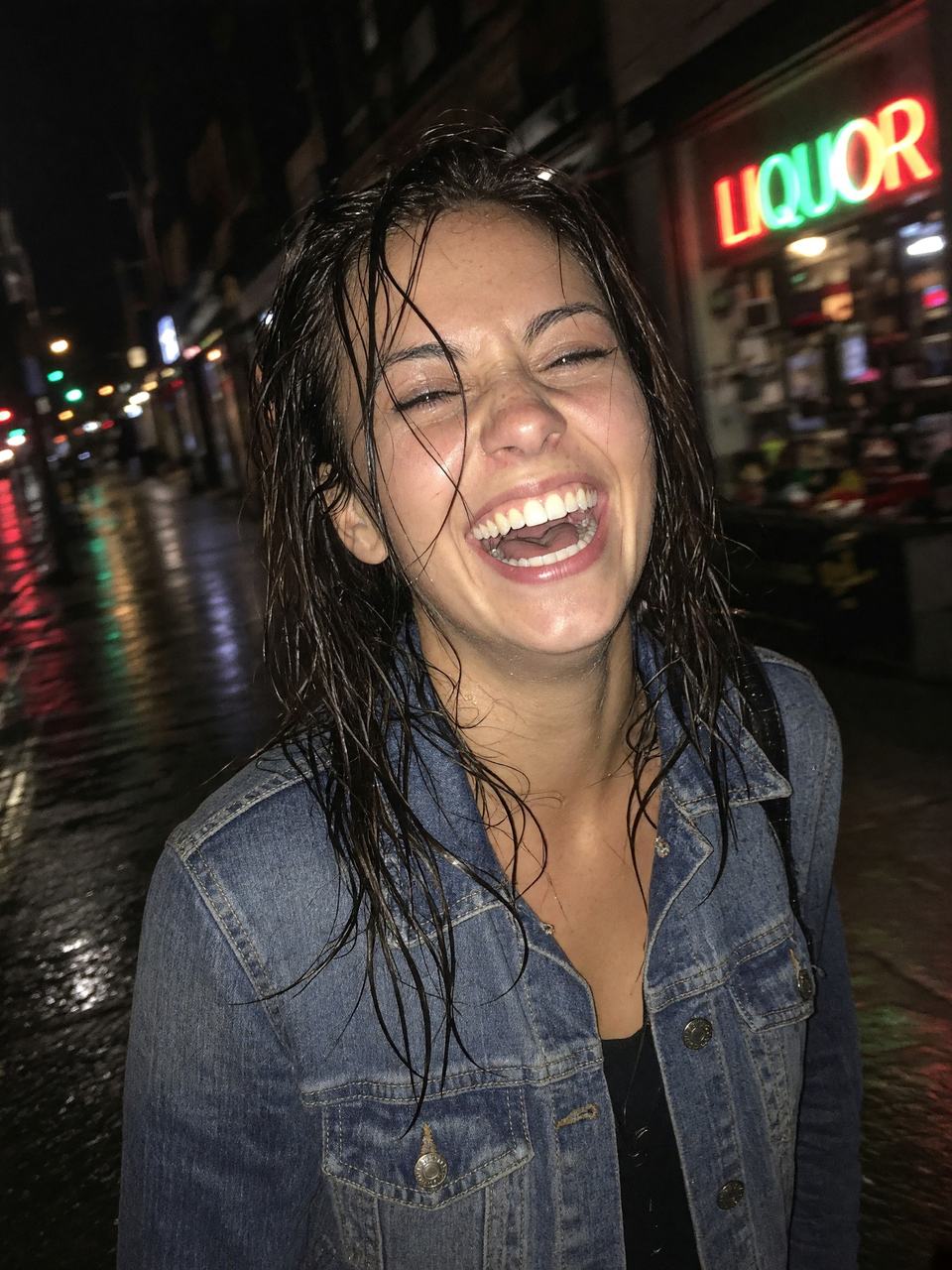
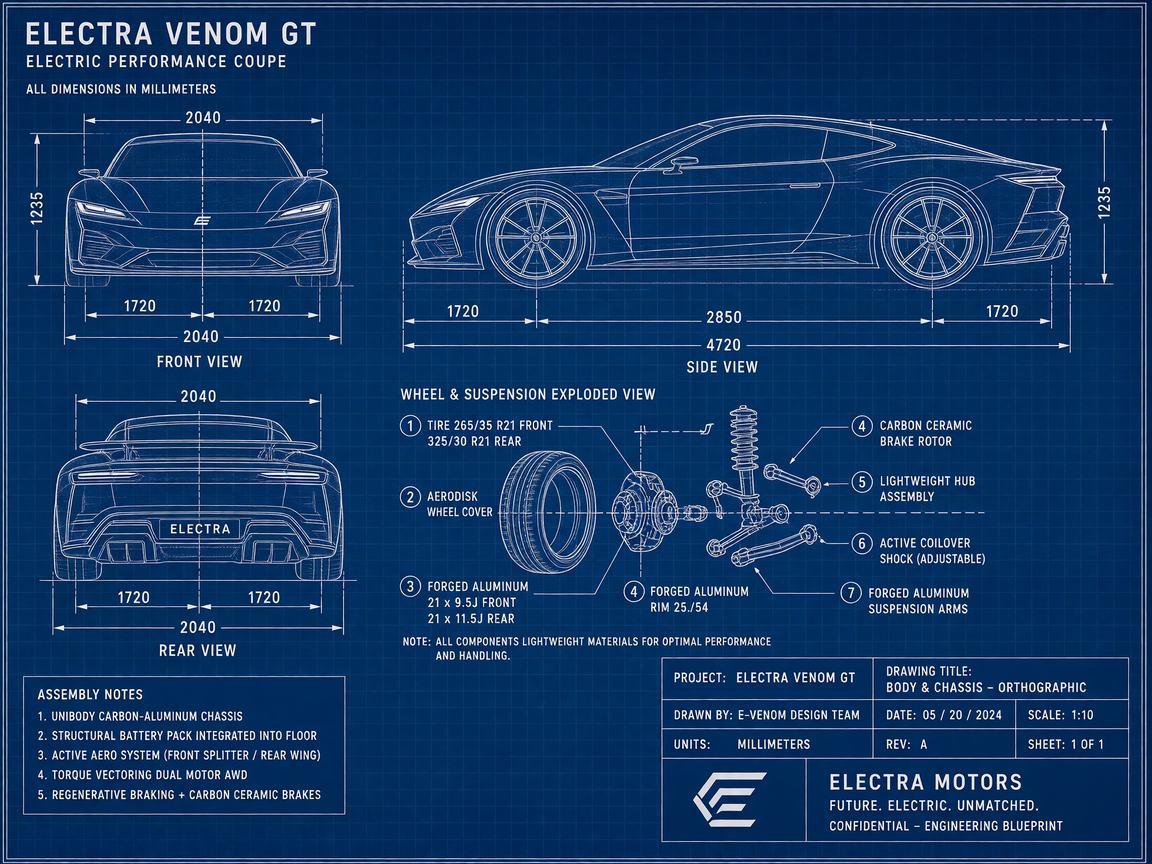
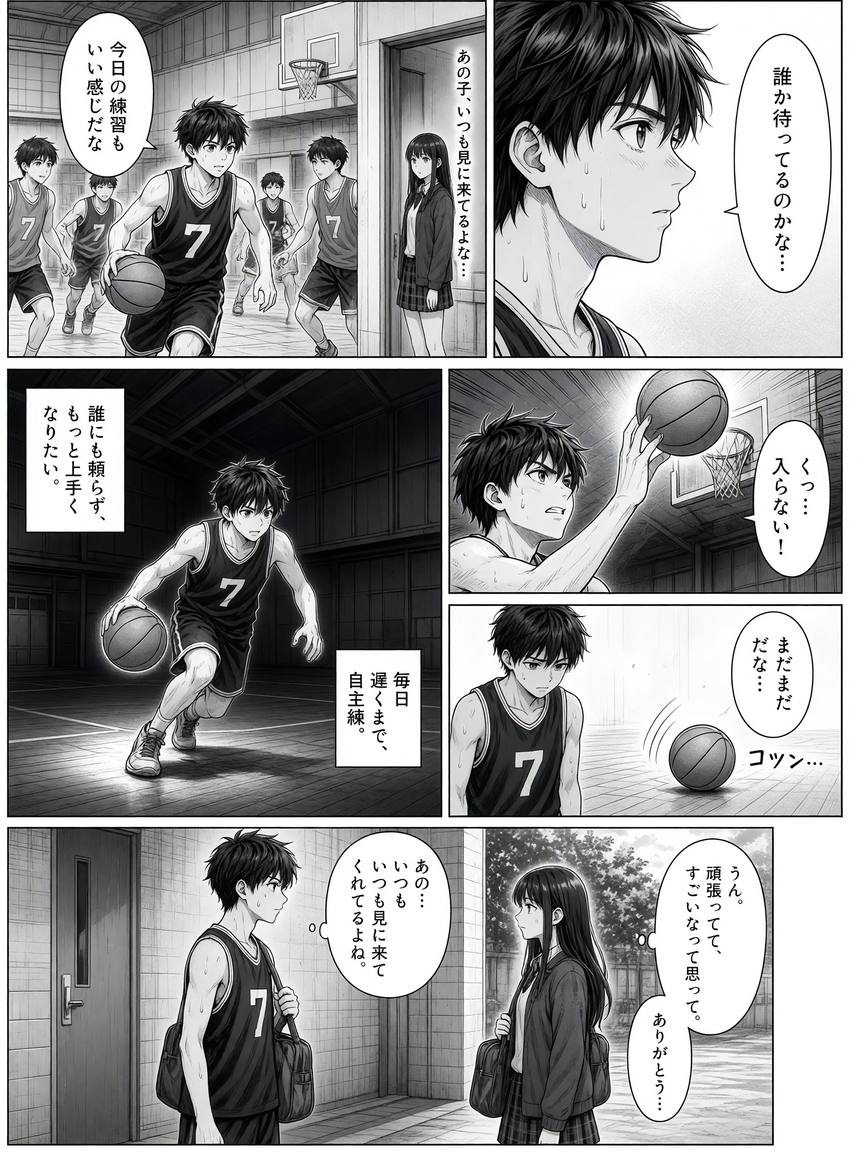
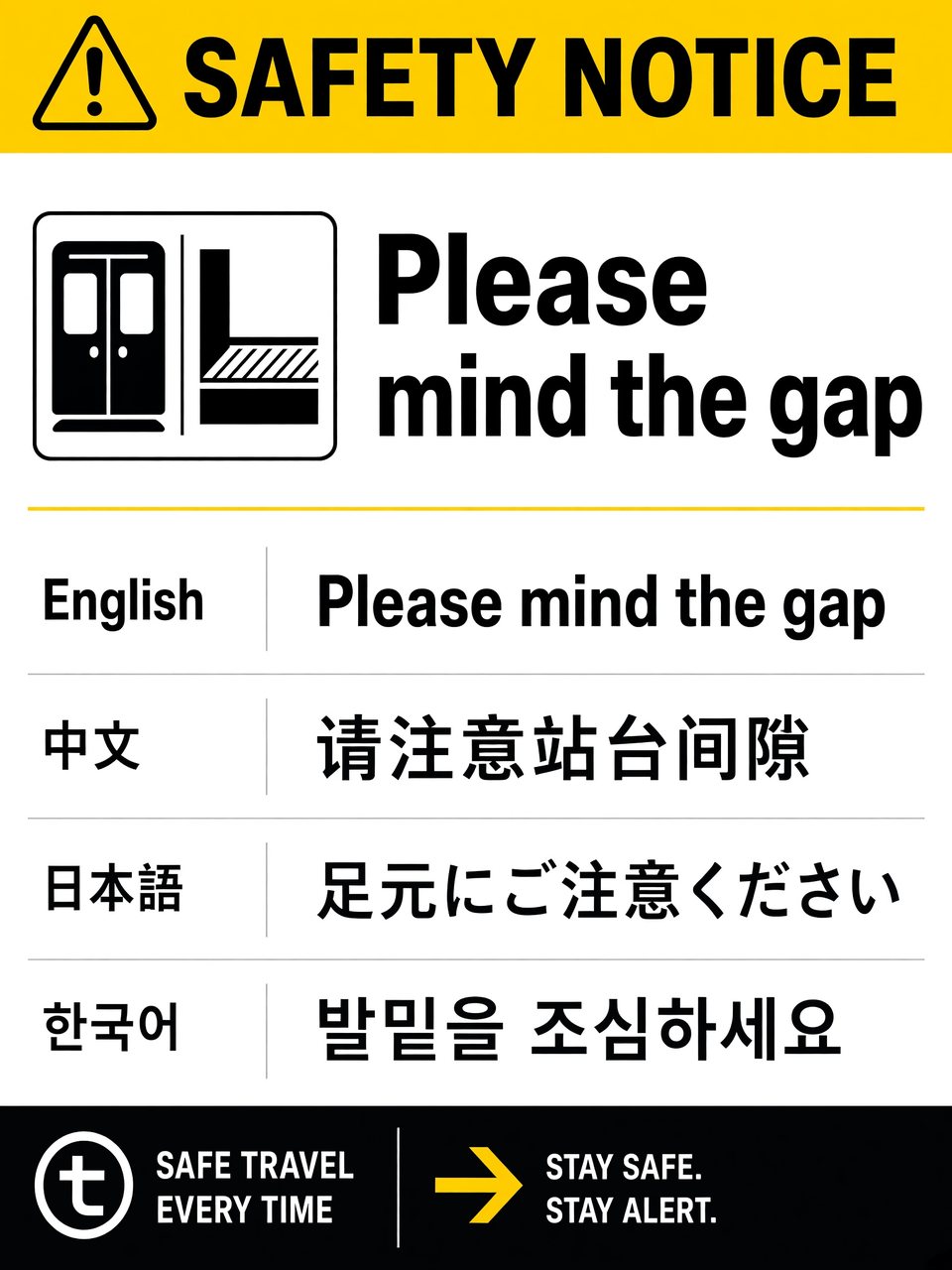
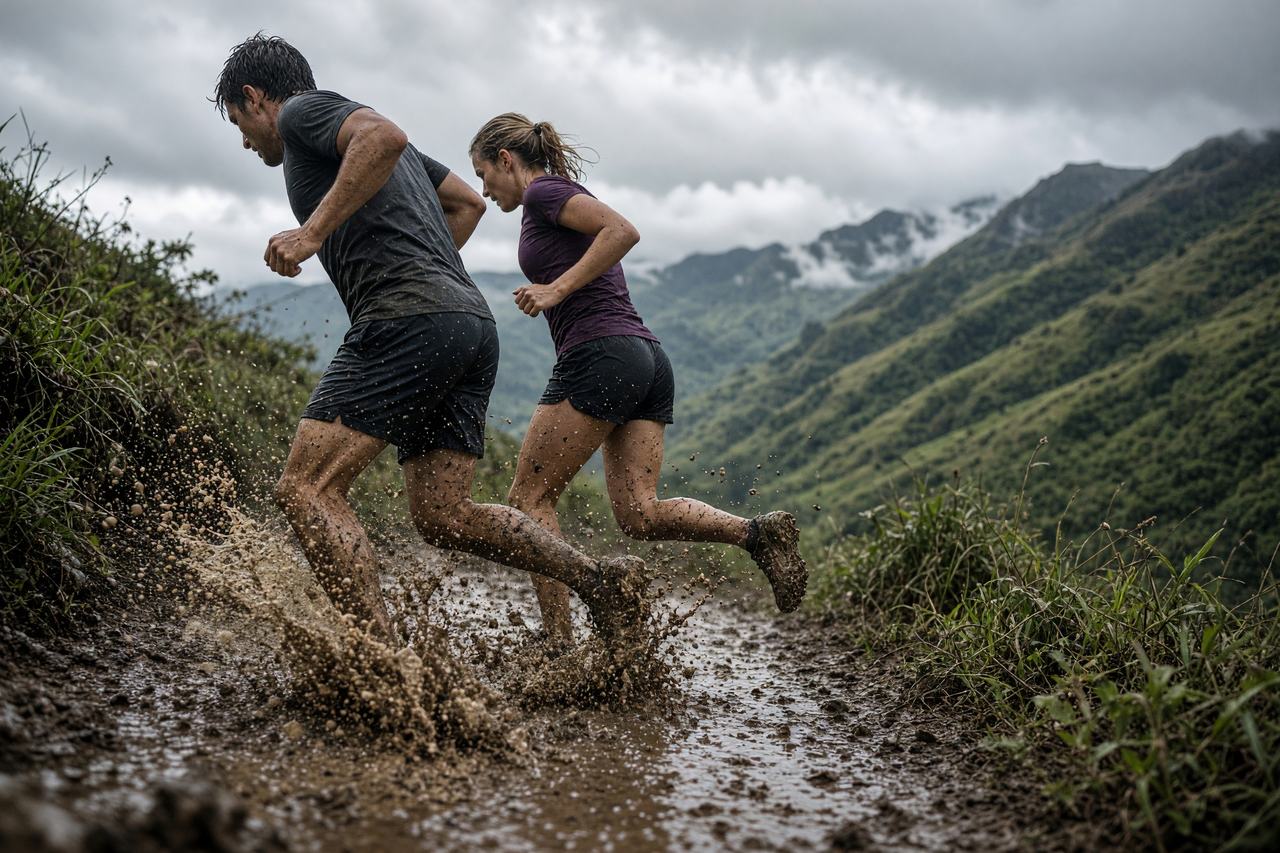
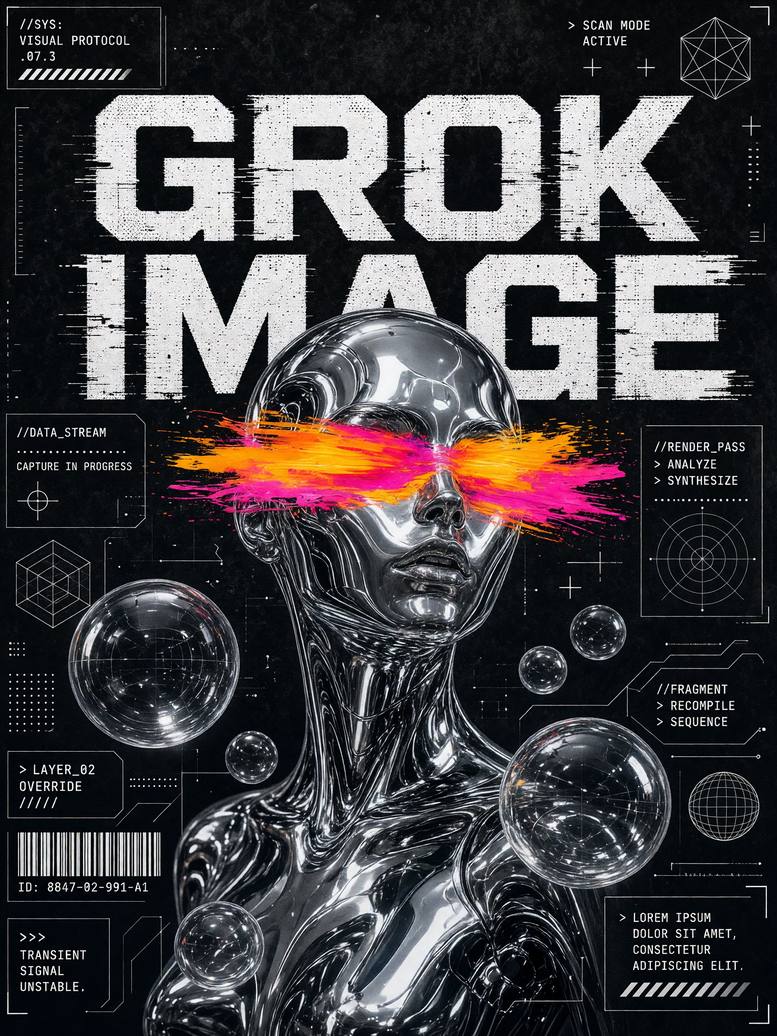
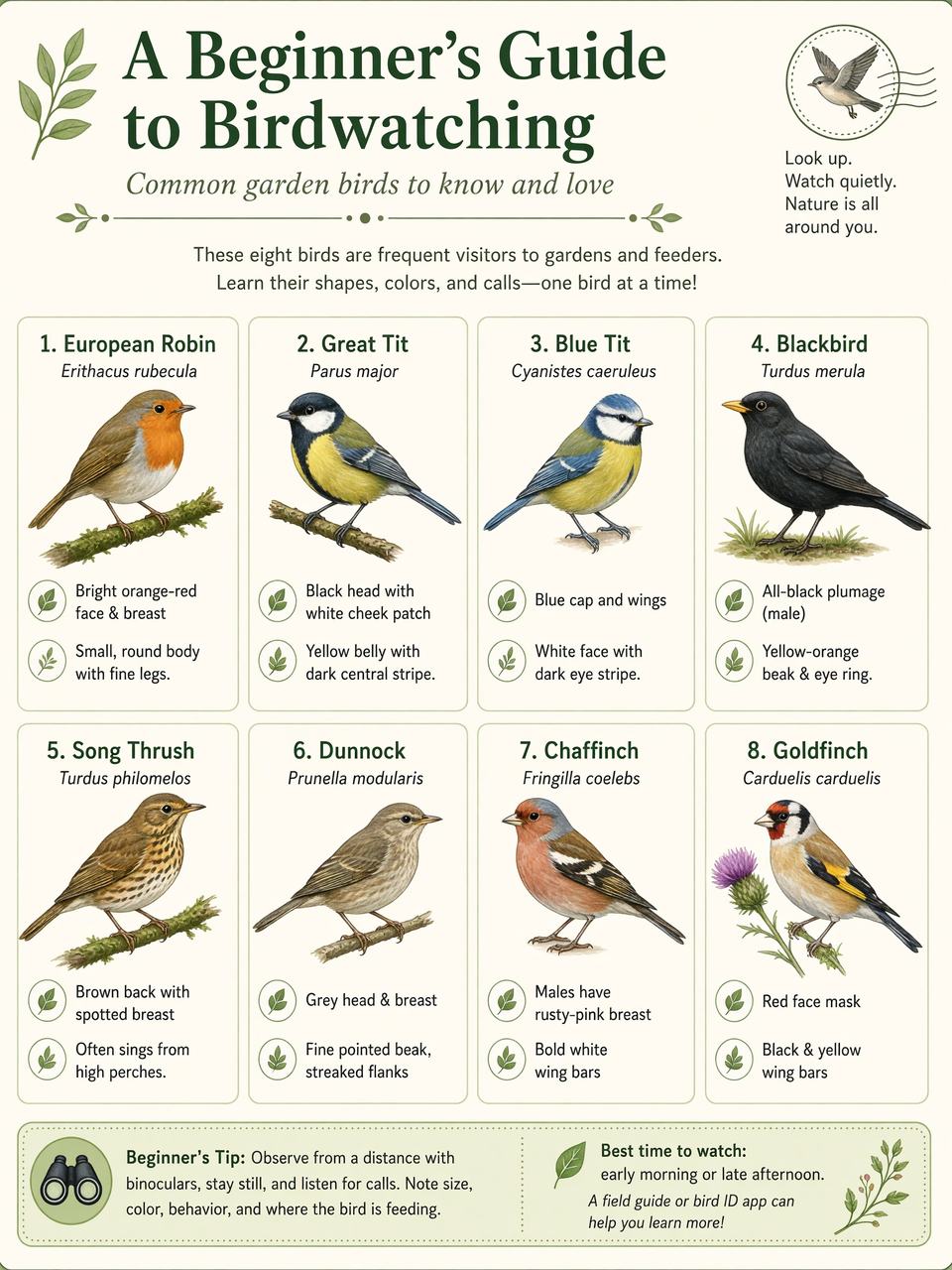
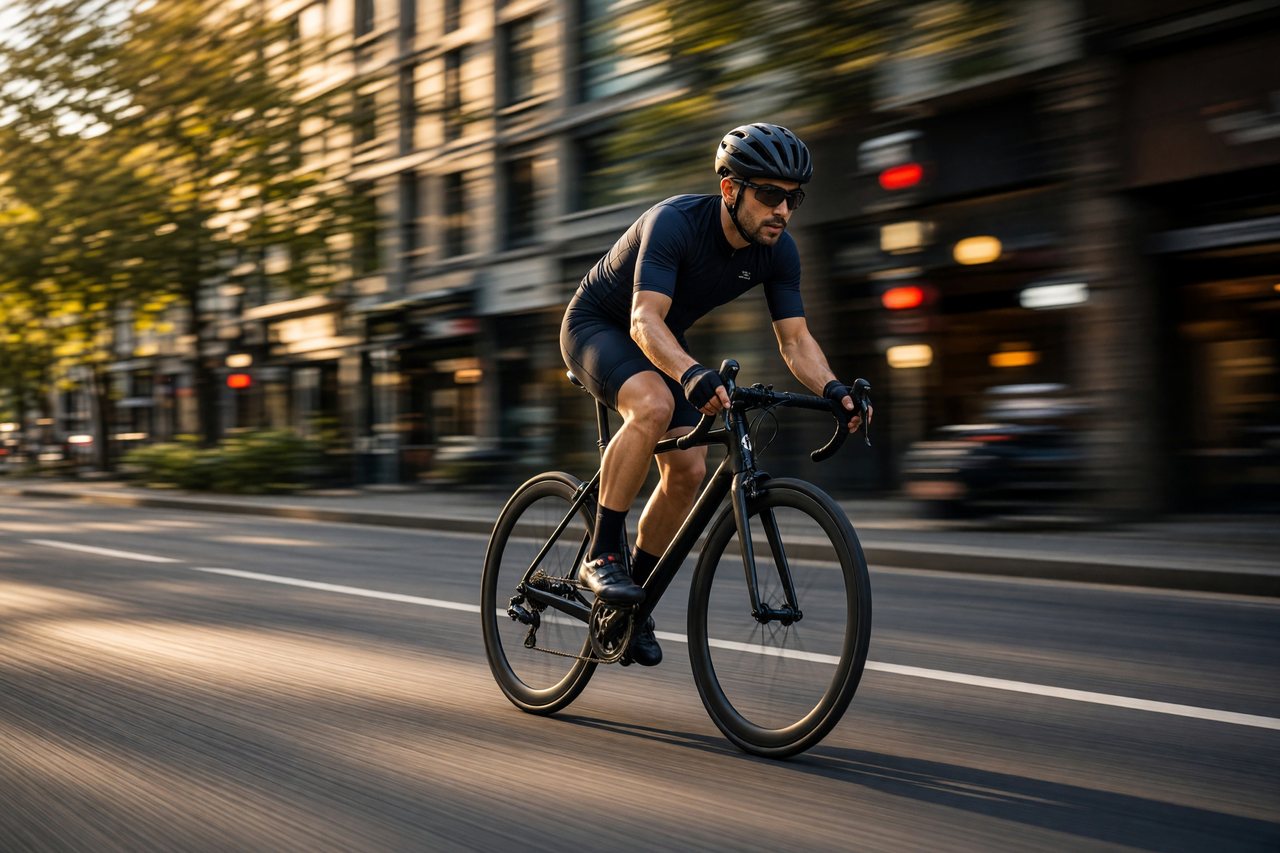
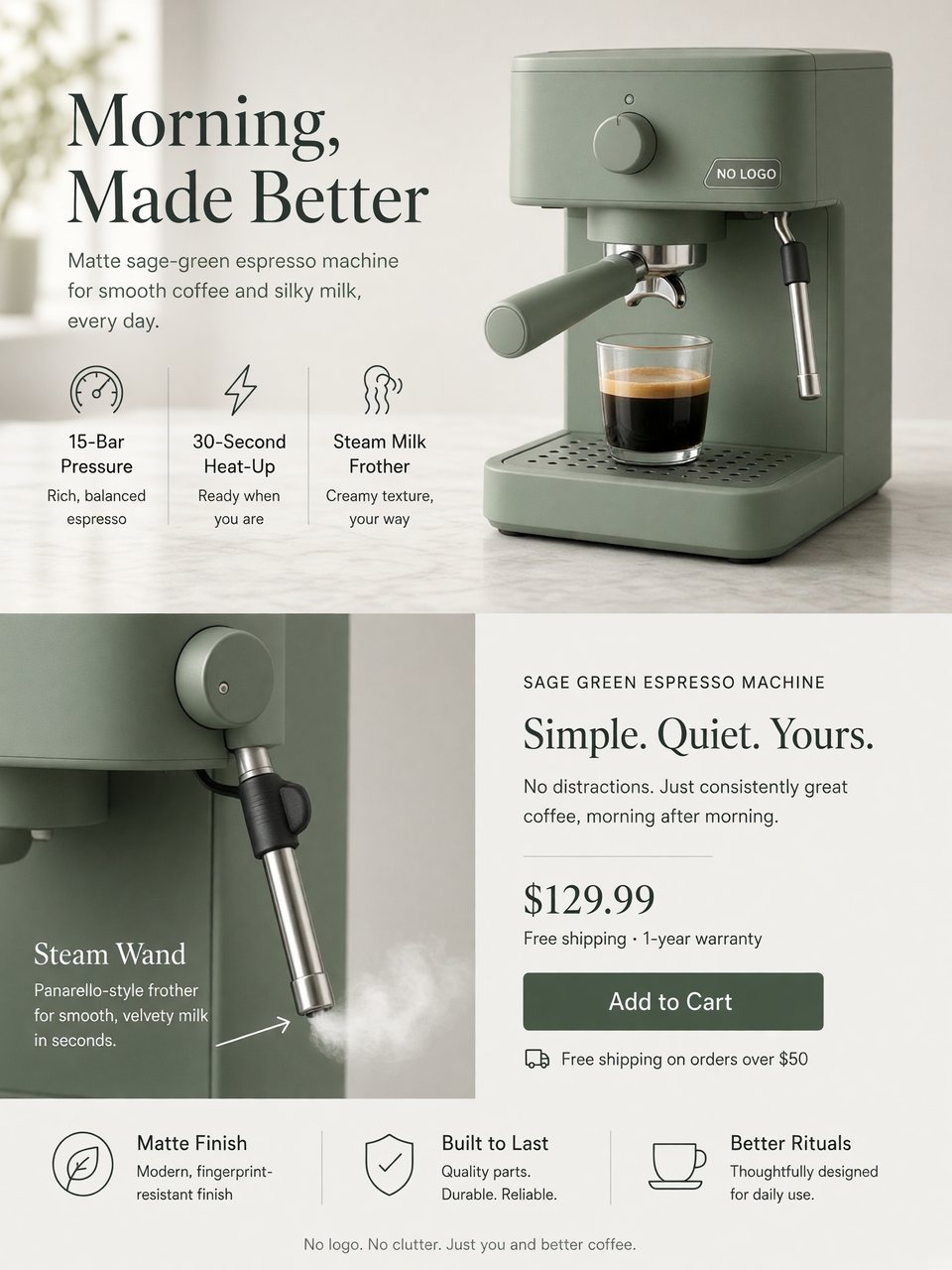
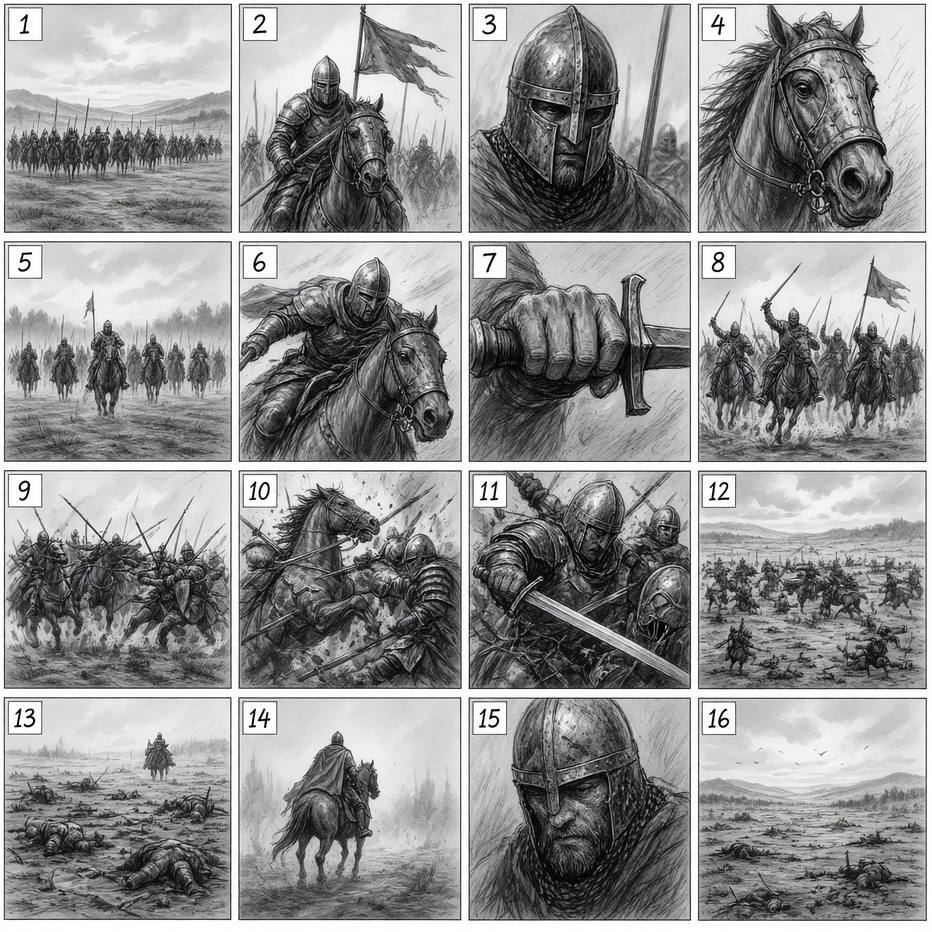

xAI built the model behind this Grok AI image generator for images you can use in real work: it follows instructions closely, plans typography and layout, and keeps what you put in across edits.
Text in images
Headlines and small print that stay sharp
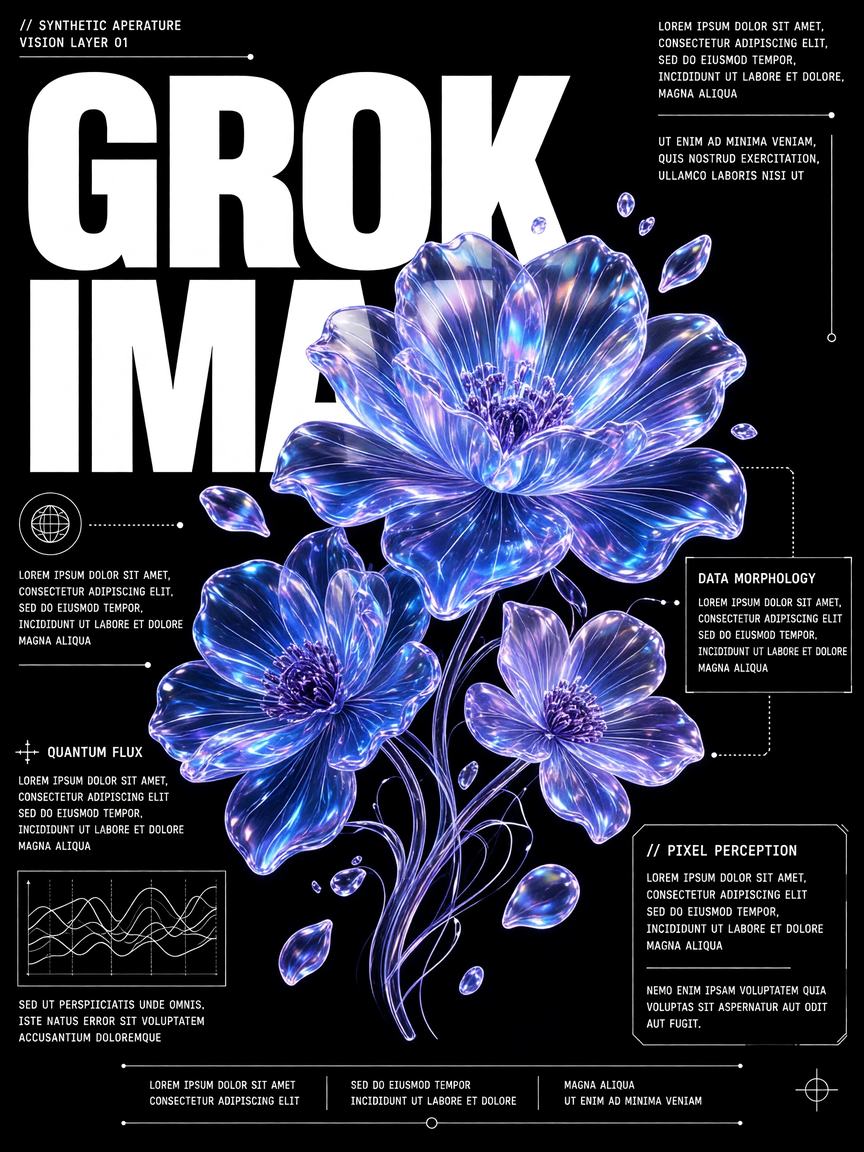
Put the exact words in quotes and ask the Grok image generator for a poster, an infographic or a menu board. In our tests headlines and small print came out as written. Still proofread before you print.
Use this prompt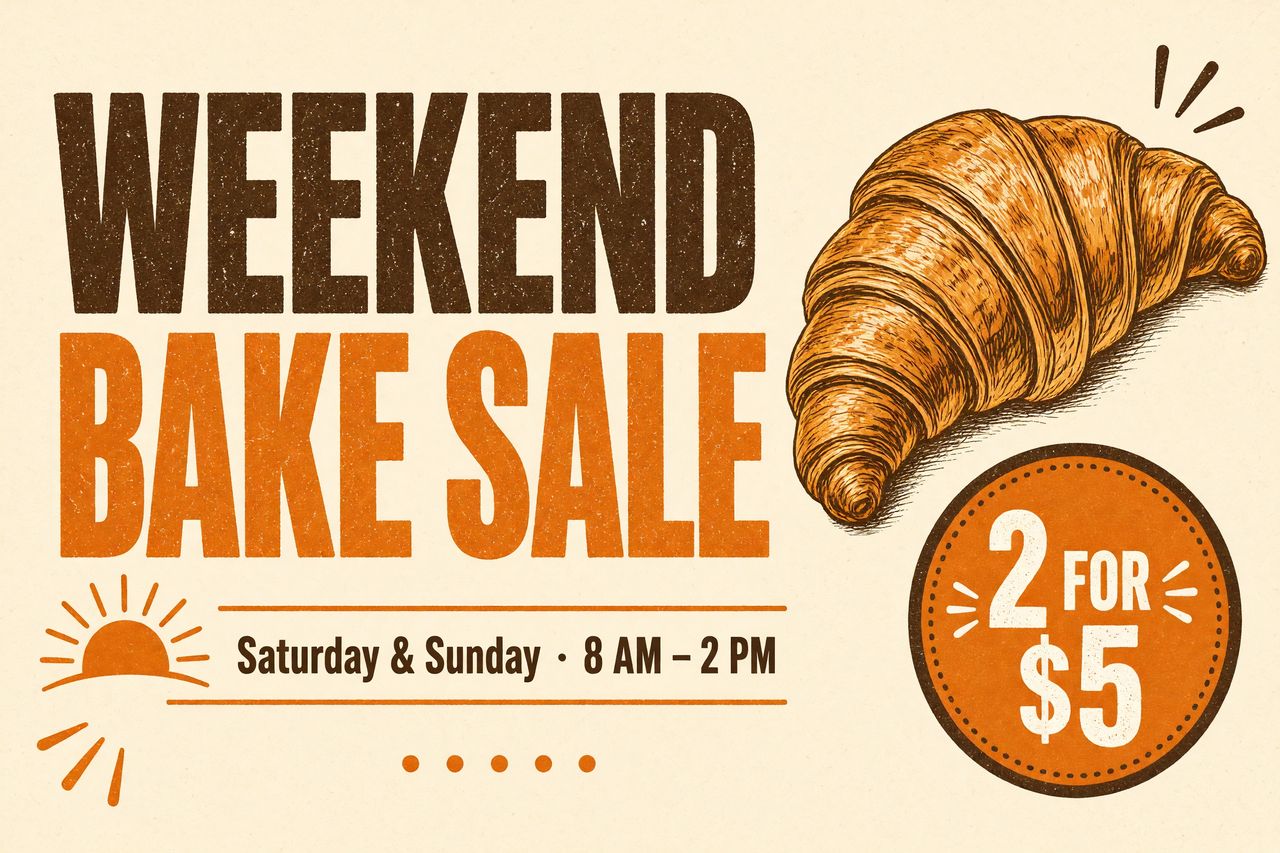
Multi-image editing
Up to 3 photos in one edit
Upload a product shot, a person and a background, then say how they fit together. The Grok image editor here takes up to 3 photos per edit, and the result keeps the shape of the first one.
Use this prompt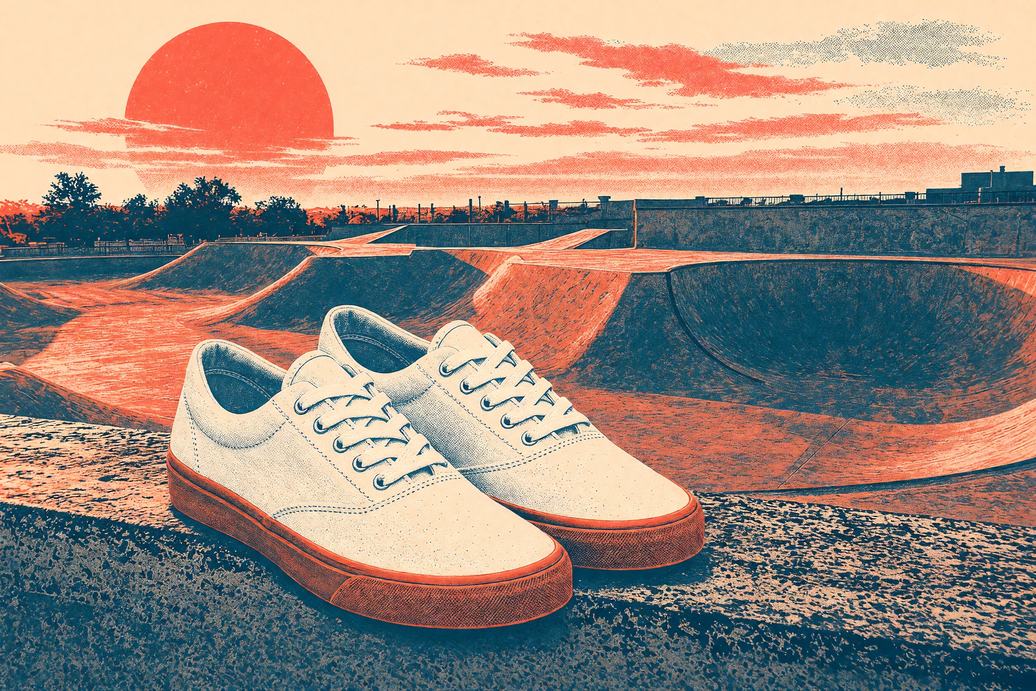
Photorealism
Light, skin and texture that hold up
Candid portraits, film looks and studio product photos come out of the Grok image generator with natural light and believable texture. Switch to 2K and Medium quality for print or a hero banner.
Use this prompt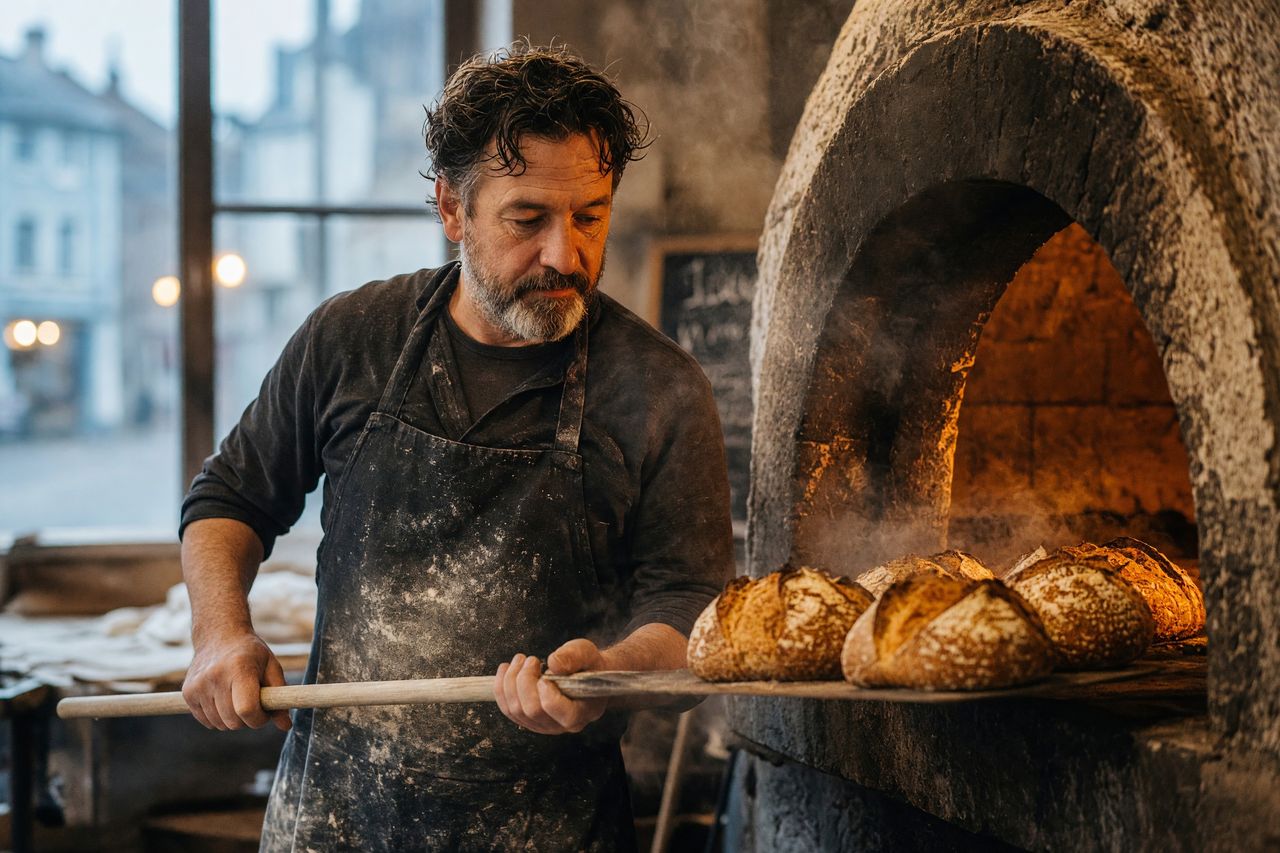
Restyle
Same subject, new look
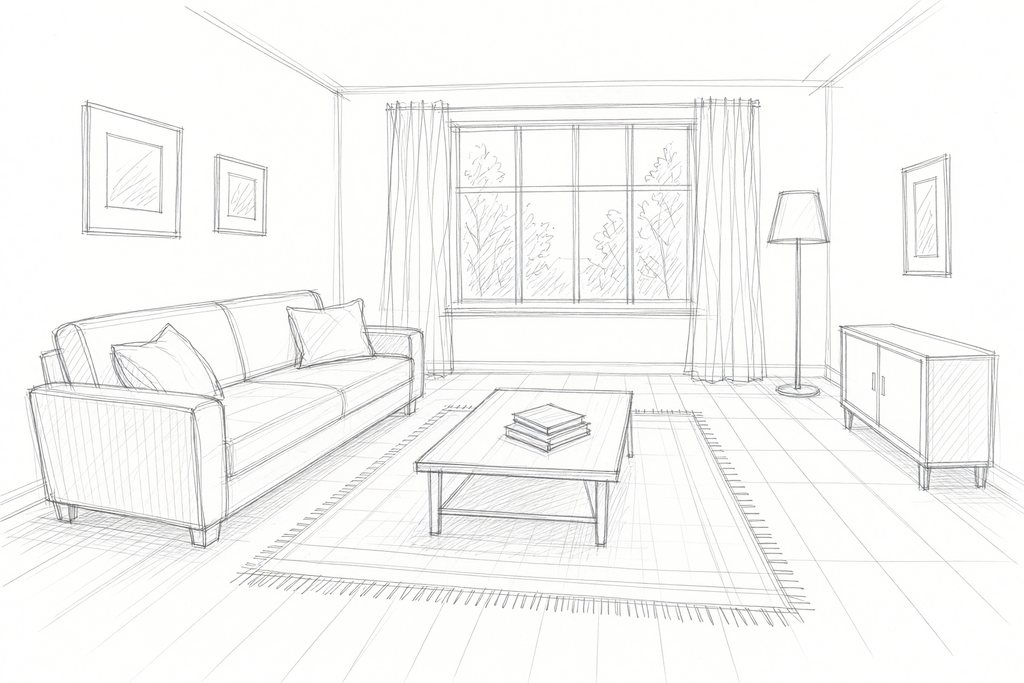
Upload a room sketch, a pet photo or a selfie and ask the Grok image generator for a photoreal interior, an oil painting or a 16-bit game sprite. The subject and layout stay; the style changes.
Use this prompt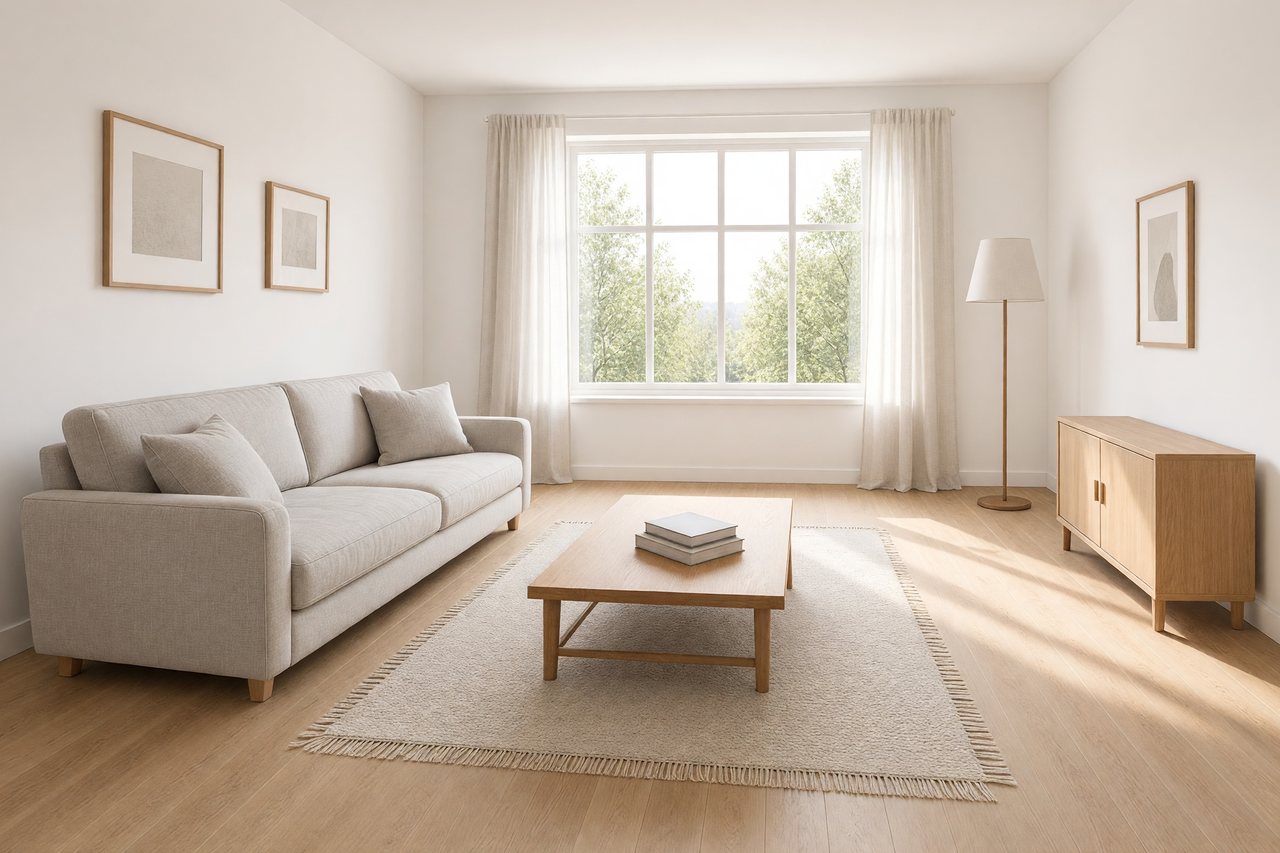
Precise editing
Change one thing. Keep the rest.
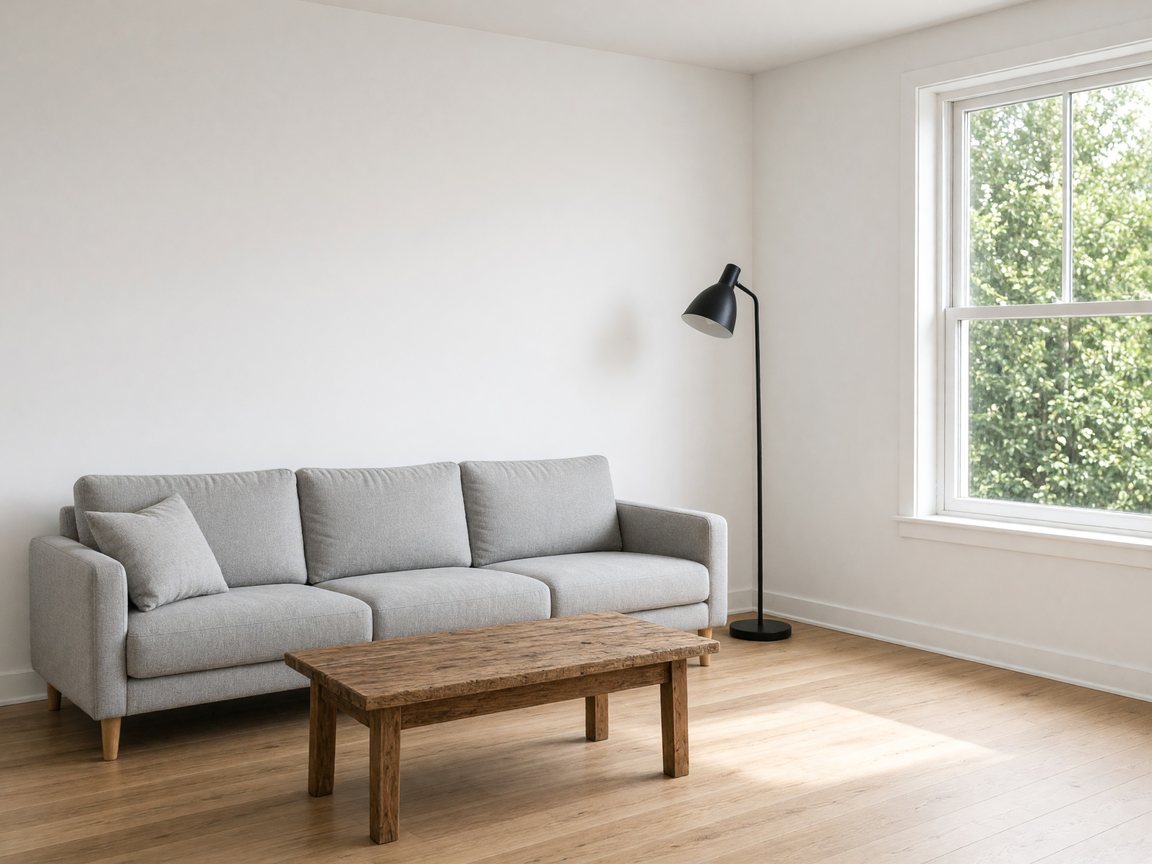
Upload a photo and say exactly what should change: a new sofa, a darker sky, a different wall color. The Grok AI image generator changes what you ask for and keeps the rest of the picture. Drag the handle to compare.
Try an edit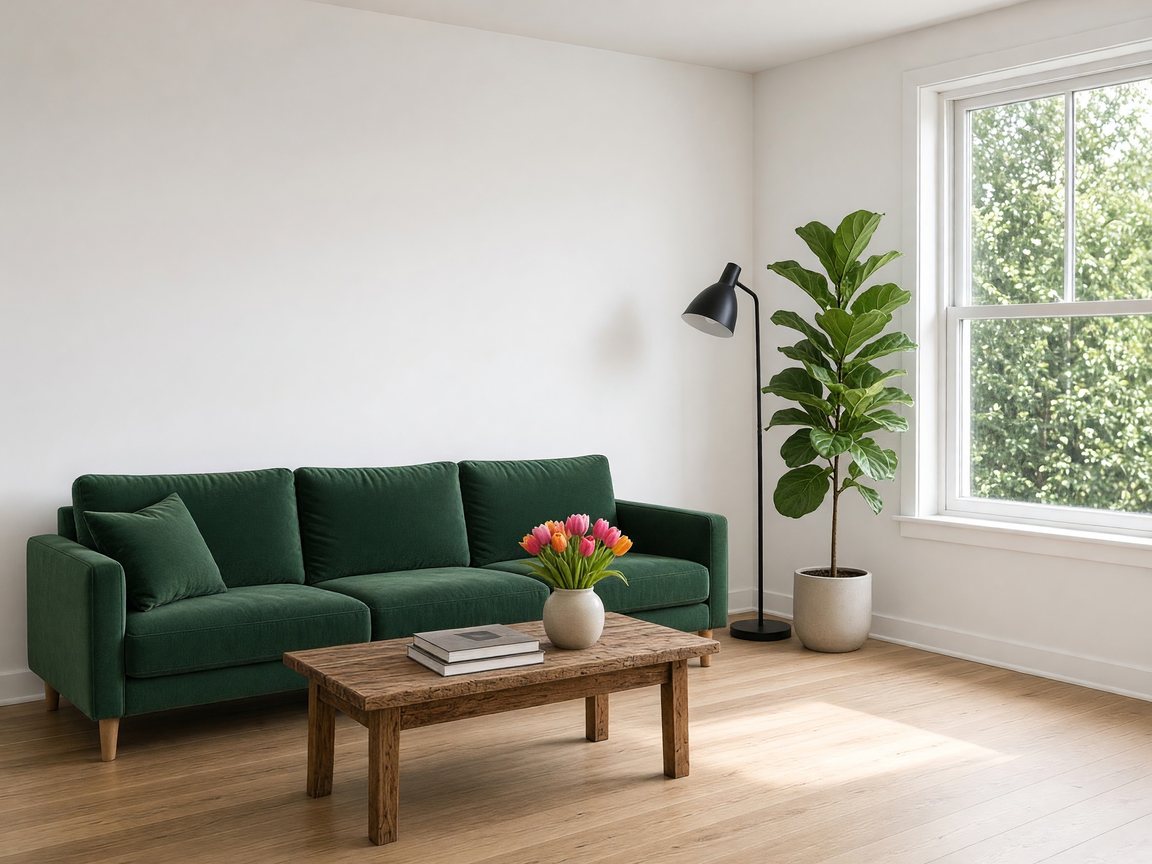
 OriginalEdited
Give a hex code or name a fabric, and only that object changes. Perspective, shadows and reflections stay consistent.
Upload a menu, sign or poster and ask for another language. The layout, type style and colors stay as they were.
Turn day into night, warm up a room or add a sunset glow while every object stays in place.
Use cases
Creators, marketers, designers and sellers use the Grok image generator for posters, product shots and quick edits, then keep the versions that work.
Product pages, listing images and seasonal variants without a photo studio.
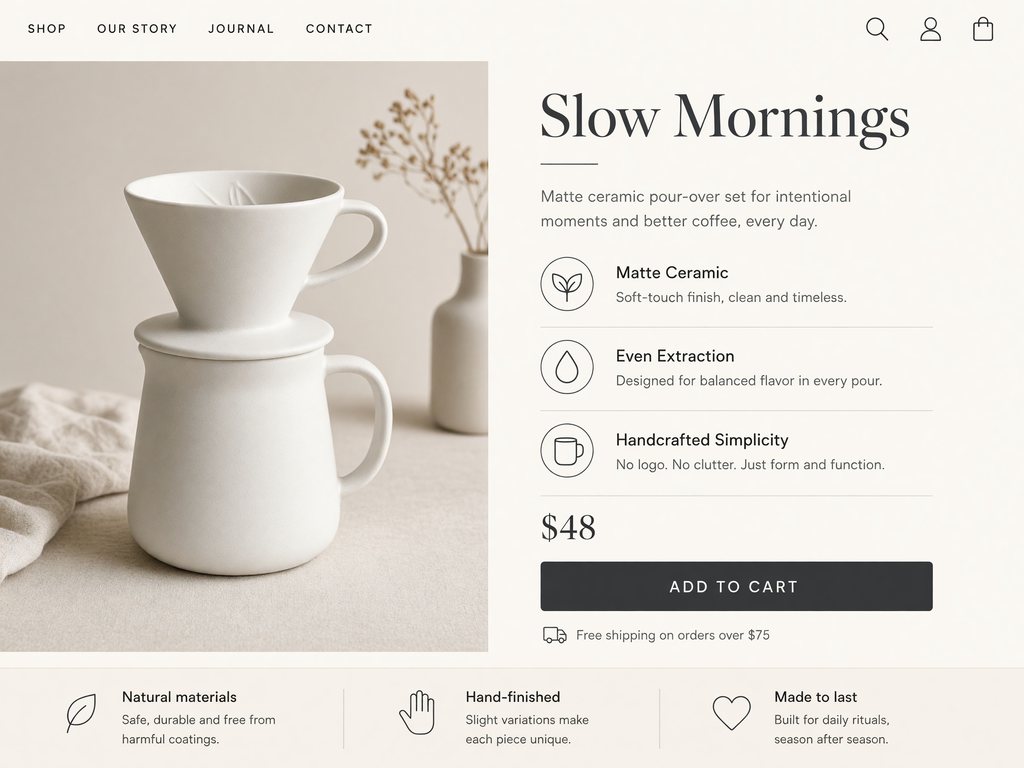
Describe the product, the headline and three selling points, and get a long-form page with callouts and a price block.
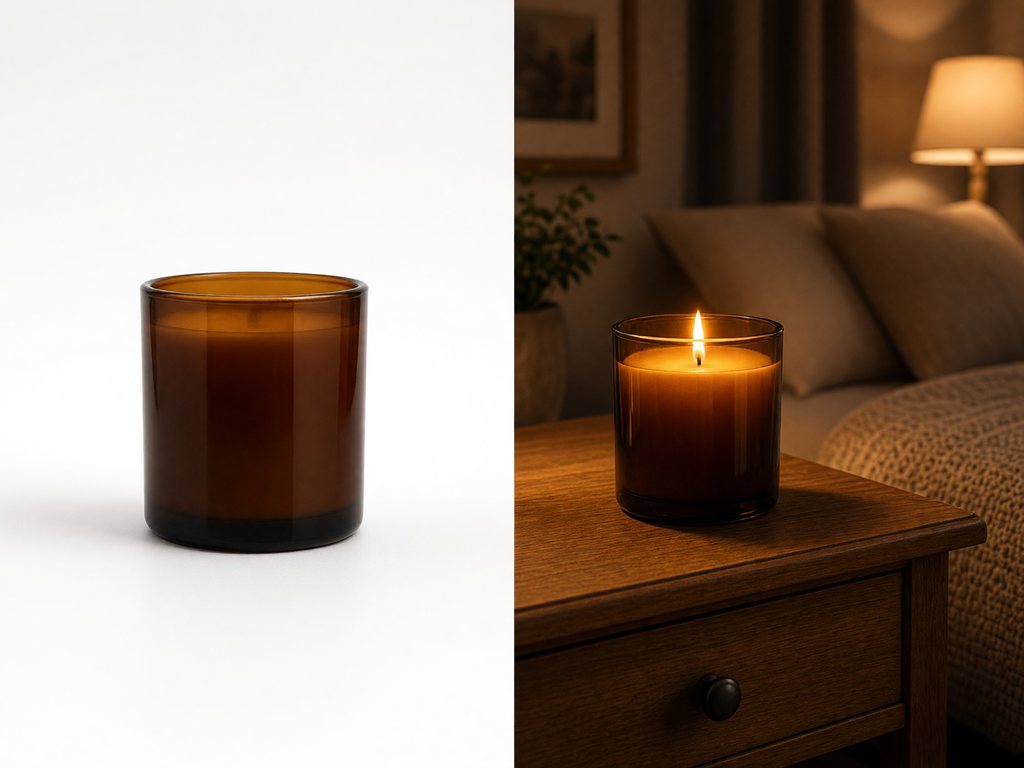
Upload a plain product photo and place it on a kitchen counter, a beach or a studio set while the product stays the same.
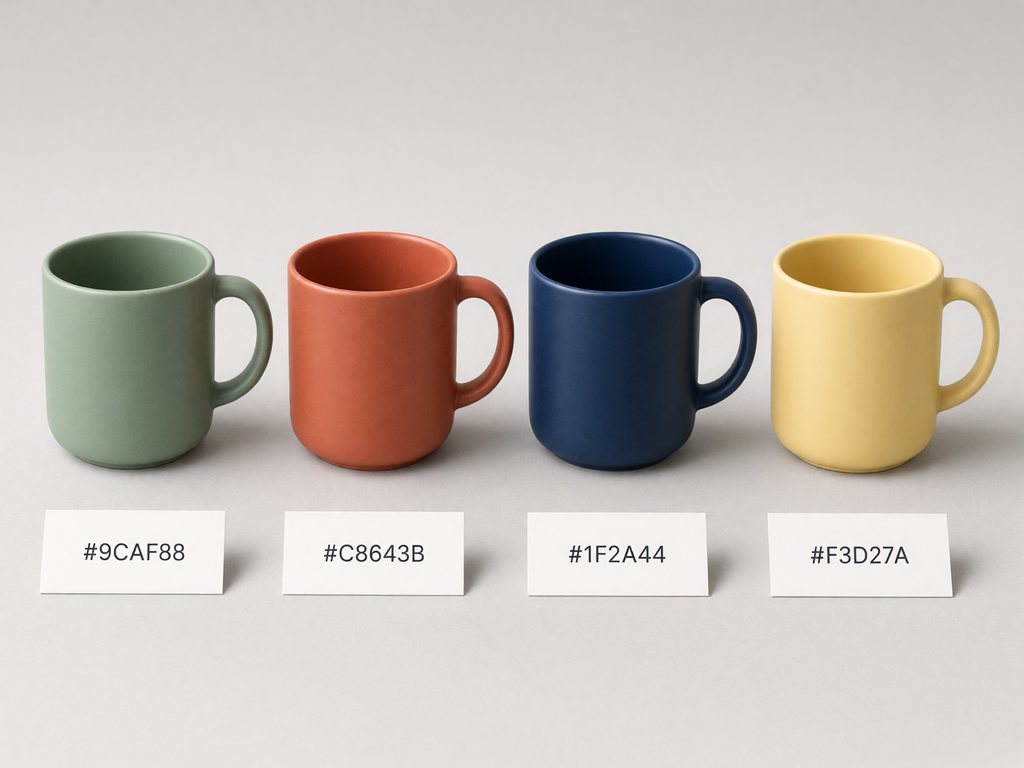
Name the item and the new color to preview colorways before you order samples.
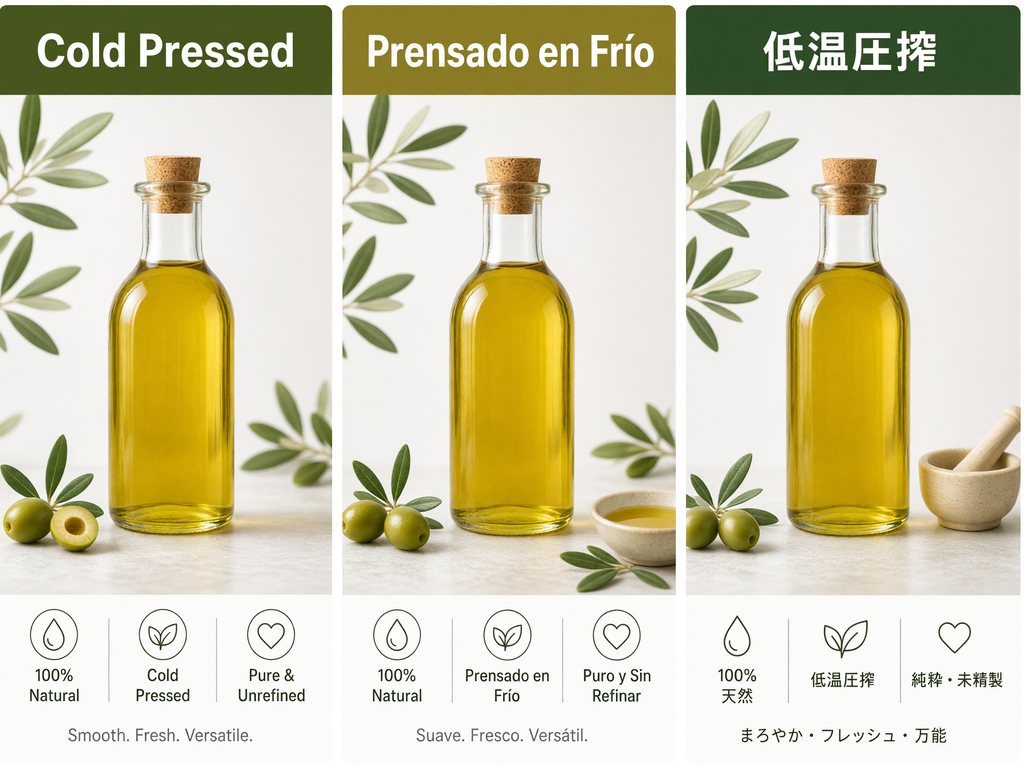
Translate the text on your images for each storefront while the layout and branding stay put.
Simple steps
Sign in, describe the image or upload photos to edit, pick a shape and quality, then refine one change at a time. Everything runs in your browser.
Choose the plan that matches how often you generate with Grok Image.
Quick answers about Grok image generation: what it is, whether it is free or censored, what it costs and how this site relates to xAI.
Yes. xAI's Grok makes images with its own model, Grok Imagine Image 2.0, released on August 7, 2026 as Quality Mode on grok.com/imagine and in the Grok apps. It turns text into images and edits photos you upload. Grok Image (this site) is an independent Grok AI image generator that runs the same model through xAI's API, so you can use it in any browser without an X or Grok account.
Sign in with Google, tell the Grok image generator what you want to see and press Generate. Put exact words in quotes, then pick an aspect ratio, a size (1K, 2K) and a quality (Low, Medium). To edit, switch to image mode, upload up to 3 photos and say what should change.
Grok's own apps include image generation within the limits of your Grok plan. On this Grok AI image generator, new accounts get 10 free credits, enough for 1 image at 1K Low, with no credit card, and failed runs are refunded automatically. Credit packs and plans add more images, private generations and no site watermark.
Yes, within limits. xAI's acceptable use policy bans sexual images of real people and any sexual content involving minors, and the model can refuse such requests. This site also blocks explicit prompts before any credits are used. There is no spicy mode here; portraits, fashion, fantasy, ads and art are all fine.
xAI's API price starts at $0.04 per 1K image at Low quality and goes up to $0.08 at 2K Medium; edits add $0.01 per input photo. Here, a 1K Low image costs 10 credits and a 2K Medium image costs 19. The generator shows the exact credits before you press Generate.
No. Grok Image (grokimage.art) is an independent Grok AI image generator that runs xAI's Grok Imagine Image 2.0 through a third-party API. We are not affiliated with or endorsed by xAI or X. xAI's own image generator is at grok.com/imagine and in the Grok apps.
Yes. Upload 1 to 3 photos and tell the Grok image generator what to change: swap a background, change a color, put a product in a new scene or merge people and places. The edit keeps the shape of the first photo.
xAI's Grok Imagine Video can, on grok.com and in the Grok apps. This site makes still images only. Download a JPEG here and use it as the first frame in the video tool of your choice.
The Grok image generator makes 1K and 2K images. In our tests a 1:1 image at 1K came out at 1024 × 1024, a 16:9 image at 2K at 2816 × 1584, and a 9:19.5 phone wallpaper at 1K at 576 × 1248. The 13 aspect ratios are 1:1, 16:9, 9:16, 4:3, 3:4, 3:2, 2:3, 21:9, 9:21, 19.5:9, 9:19.5, 20:9, 9:20. Downloads are JPEG files.
Yes. Images you make with this Grok AI image generator are yours to use in client work, ads, product listings and social posts, within xAI's usage policy. Free images carry a small watermark from this site; paid plans remove it.
Write a prompt or upload a photo to edit. This Grok AI image generator runs in your browser, and new accounts get free credits with no card required.
Aspect ratios
Credits per image
Free image on sign-up